Display items cleanly in Minecraft Bedrock without relying on permanently invisible mobs or complicated commands.
Invisible Item Frames
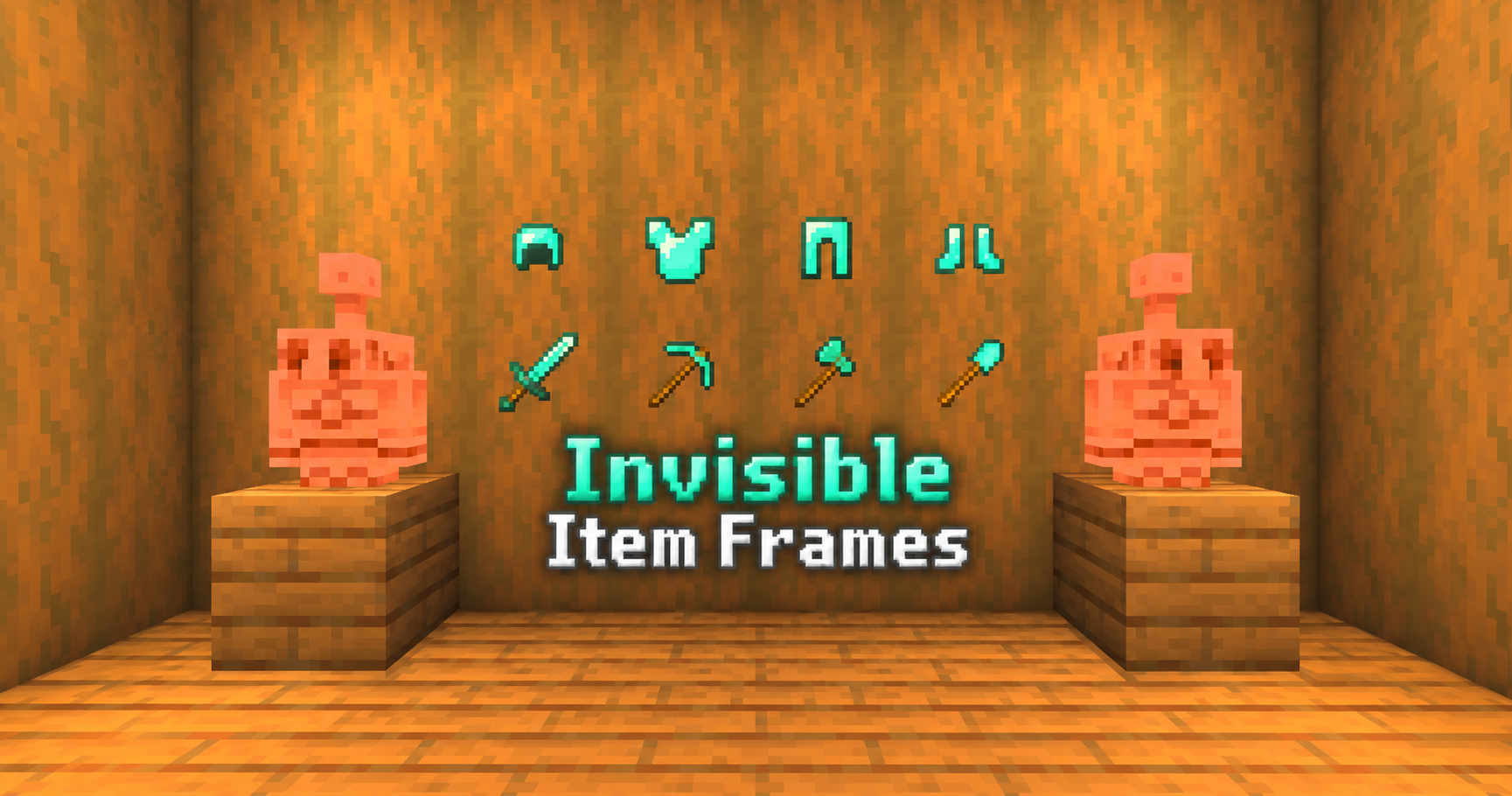
Give your Minecraft Bedrock builds a cleaner, more polished look by removing the part of an Item Frame you don't always want to see—the frame itself.
Invisible Item Frames lets displayed objects appear directly on walls and other surfaces while preserving the familiar functionality of Minecraft's regular and Glow Item Frames. Instead of a wooden border surrounding every decoration, the item itself becomes part of the build.
Whether you're adding tiny details to a Survival base or designing a large Creative project, this pack gives you another way to decorate without introducing custom blocks or complicated systems.
Choose Which Frames to Hide
You don't have to make every Item Frame invisible. The pack includes three selectable subpacks, allowing you to decide exactly how it should look in your world.
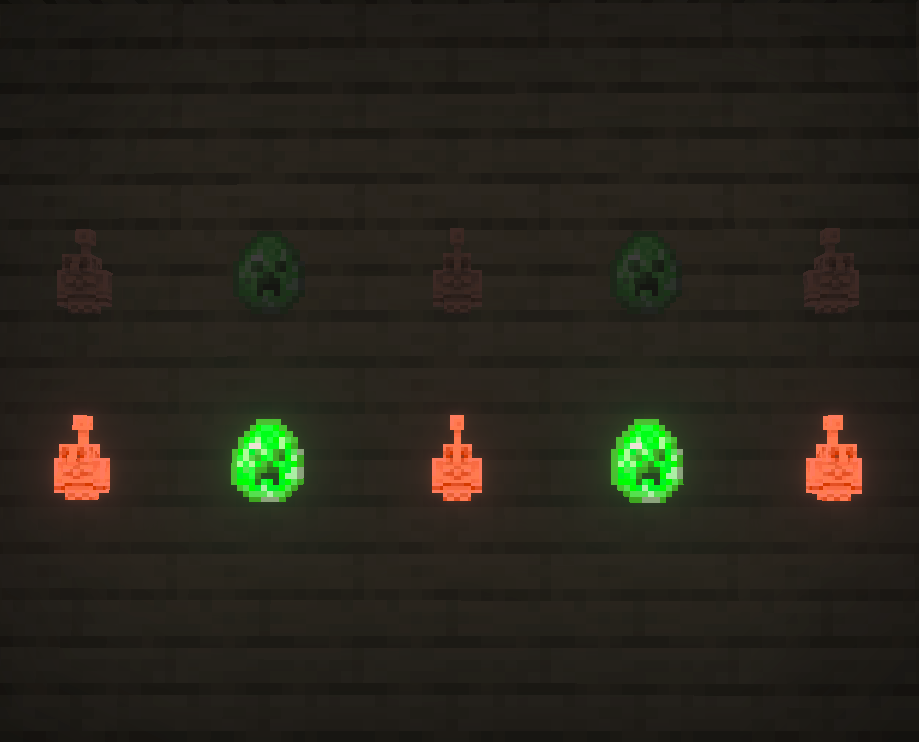
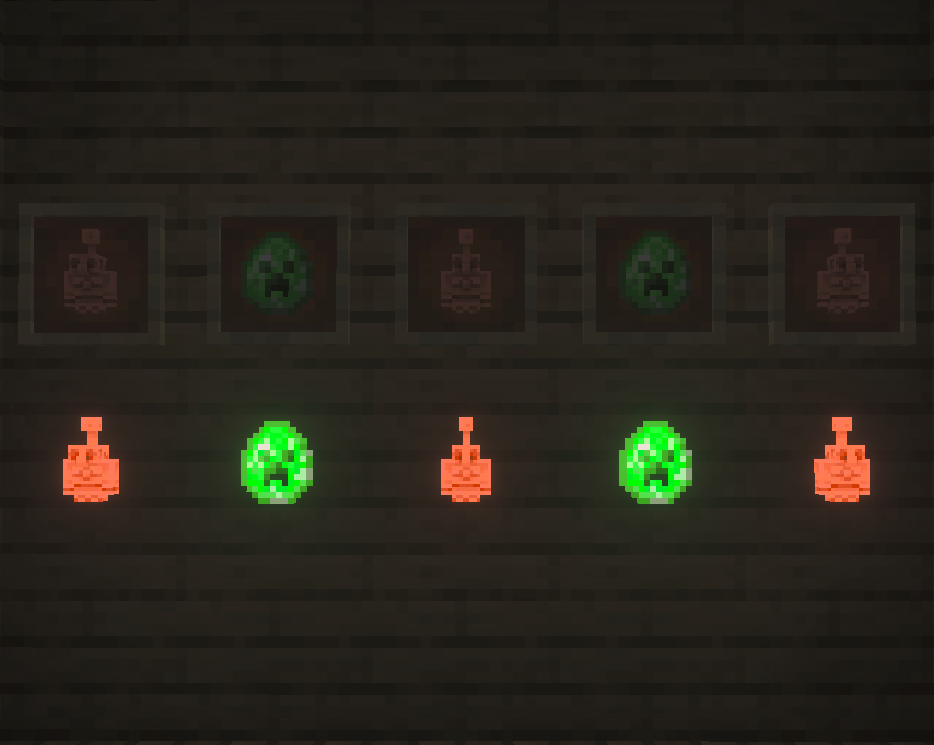
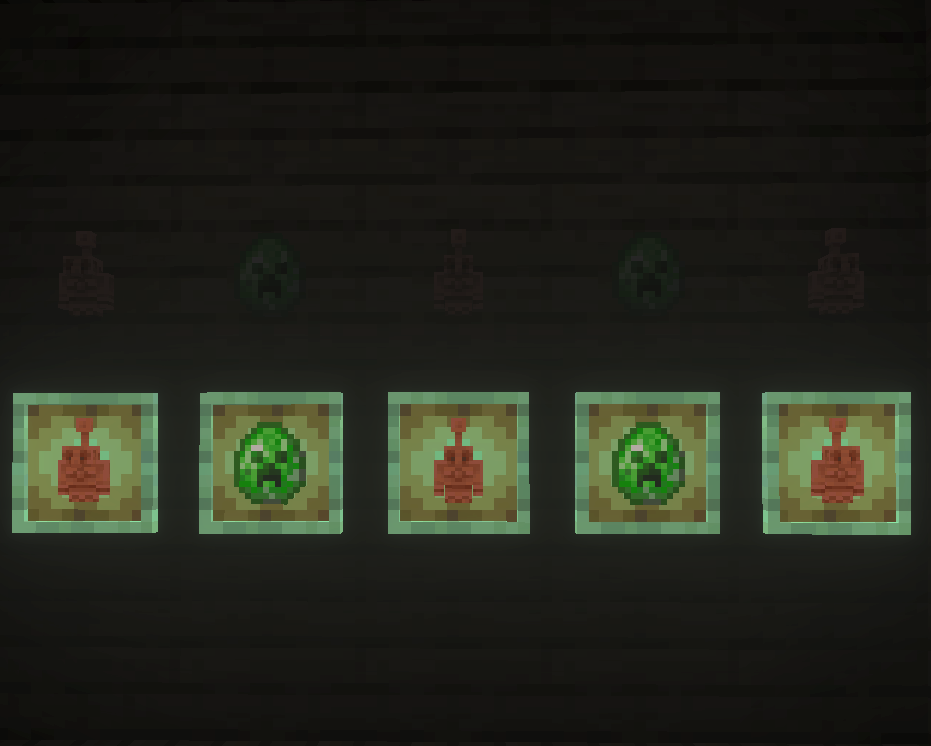
- Both Item Frames (Default) – Hides regular and Glow Item Frames.
- Regular Item Frames Only – Regular frames are hidden while Glow Item Frames keep their vanilla appearance.
- Glow Item Frames Only – Glow frames are hidden while regular Item Frames remain visible.
The default option hides both types, but you can switch between the available styles through the Resource Pack settings.
Turn Displayed Items Into Decorations
Without the frame surrounding them, ordinary Minecraft items can be used in ways that blend much more naturally into a build.
Hang tools on a workshop wall, use blocks and items as storage labels, create cleaner displays inside shops, decorate kitchens with food and equipment, or build a map wall without rows of frames competing with the map itself.
Invisible frames can also help create convincing furniture details, control panels, signs, equipment racks, decorative shelves, and other small touches where a visible Item Frame would give away how the effect was made.
Still Works Like an Item Frame
The visual change doesn't require you to learn a replacement system.
Place an Item Frame, put something inside it, rotate the item, remove it, or break the frame just as you would in vanilla Minecraft. Glow Item Frames continue to provide their normal illuminated display effect when that frame type is selected to be invisible.
There are no custom commands or menus required during gameplay. Once you've chosen your preferred subpack and activated the Resource Pack, you can simply start building.
Focused Resource Changes
Making an Item Frame disappear may sound simple, but changing shared Minecraft rendering resources can sometimes produce unintended effects elsewhere in the game.
Invisible Item Frames is built to keep its visual changes focused on the intended frames instead of relying on a broad rendering modification that could also cause unrelated entities to disappear.
The pack also provides the necessary texture references for frame particles, helping avoid the black-and-magenta missing-texture particles that can otherwise appear when an invisible frame is broken.
Resource Pack Only
This is a Resource Pack, not a scripted addon.
It does not require a Behavior Pack, Script API, commands, custom entities, or experimental Beta APIs to create the invisible-frame effect.
That makes it a lightweight addition for players who simply want more decorating options without adding another gameplay system to their world.
Where Can I Use It?
Invisible Item Frames can be a useful addition to:
- Survival bases and storage rooms
- Creative building projects
- Map and navigation rooms
- Shops and marketplaces
- Armories and workshops
- Kitchens and interior builds
- Multiplayer worlds and servers
- Minecraft Realms
Other Resource Packs can be used alongside it, although a pack that modifies the same Item Frame resources may override some or all of the visual changes depending on Resource Pack priority.
Achievement Friendly
Invisible Item Frames is designed as a visual-only Resource Pack and does not require cheats or experimental gameplay features to function.
Under current Minecraft Bedrock behavior, using the pack is not intended to disable achievements. However, achievement eligibility is ultimately controlled by Minecraft and can change with future game updates or other settings and packs used in your world.
For important long-term worlds, keeping a backup before making significant changes to your pack setup is always recommended.
Clean Displays, Vanilla Gameplay
The idea behind Invisible Item Frames is straightforward: keep Minecraft's Item Frames useful while giving builders the option to stop seeing them.
Choose whether you want regular frames, Glow Item Frames, or both hidden, then use them anywhere you want an item to look like it belongs directly in the build.