Private Vault
Apps · Version 1.0.0
Keep your pictures, documents, and personal files private with password-protected encrypted vaults stored securely on your Windows PC.
Private Vault is a free Windows application from MaskedNinja.Net that helps protect your personal files inside encrypted vaults.
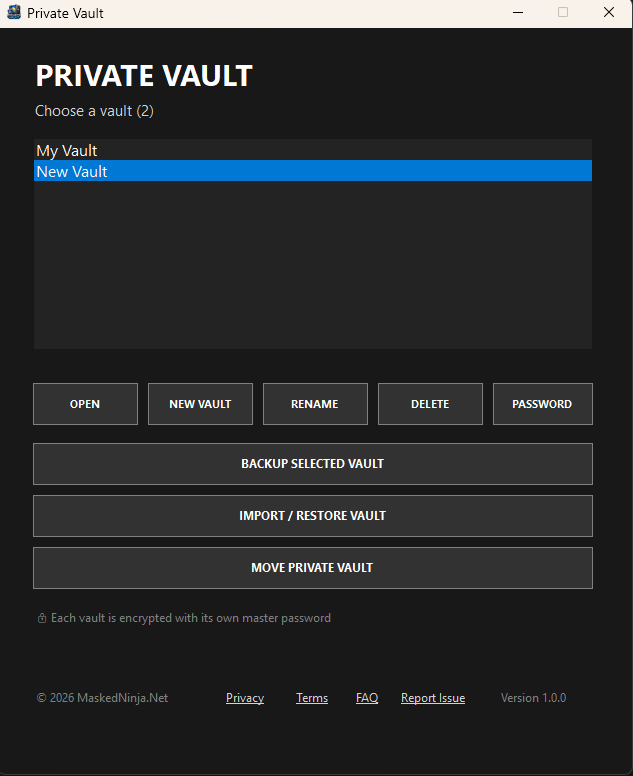
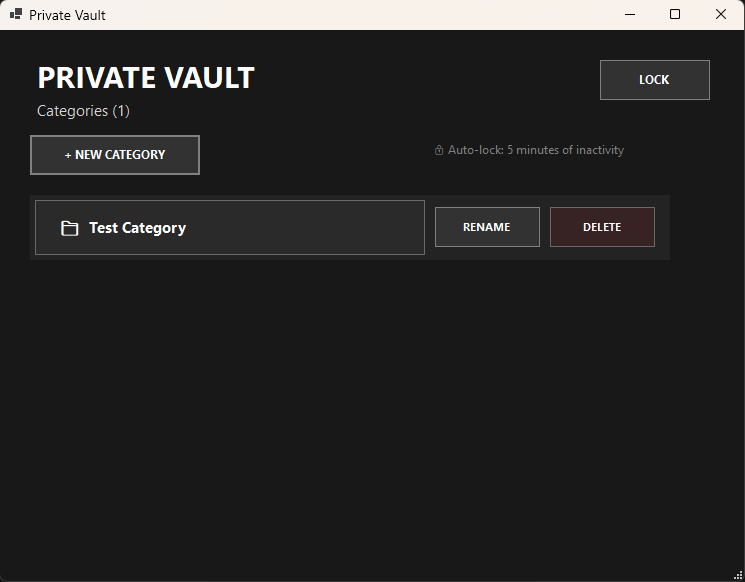
Create multiple private vaults, each protected by its own master password. Organize your files using categories and nested subcategories for pictures, videos, documents, personal files, and more.
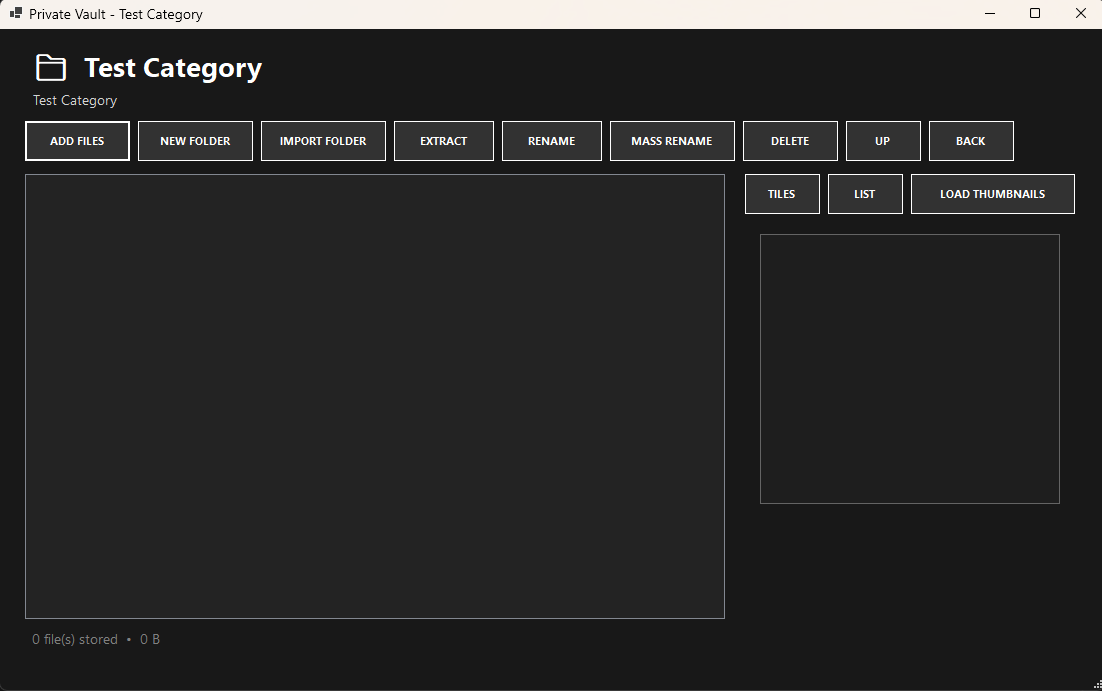
Private Vault lets you add individual files or complete folders, preview supported files, display image and video thumbnails, rename multiple files at once, create encrypted backups, restore vaults from backups, and move your Private Vault installation to another folder, drive, or USB device.
Your vault data is encrypted and stored locally on your device. Private Vault does not upload your passwords, pictures, videos, documents, or vault contents to MaskedNinja.Net. An internet connection is not required to create, open, or use your vaults.
Features include:
Password-protected encrypted vaults
Multiple vaults with separate master passwords
Categories and nested subcategories
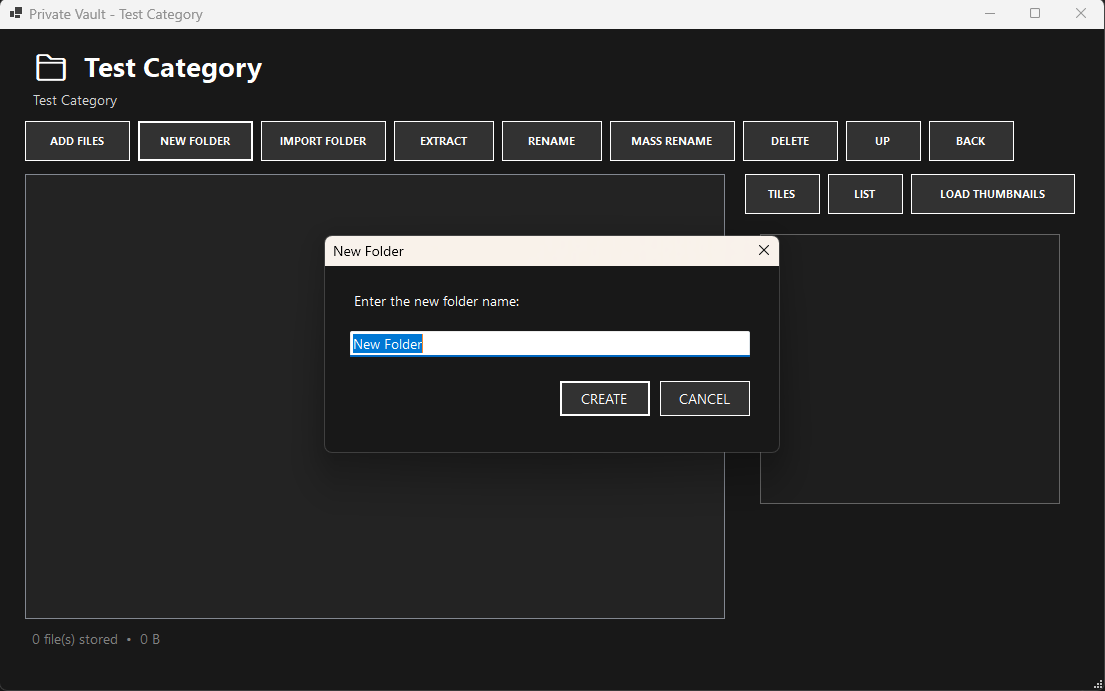
Add individual files or complete folders
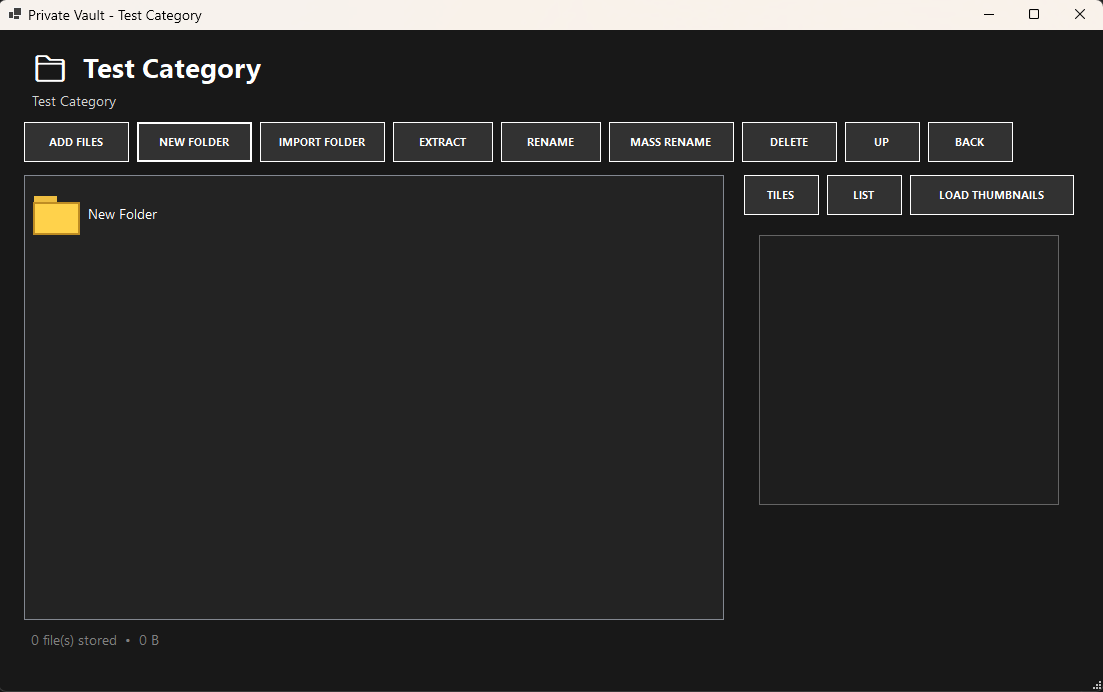
Thumbnail and list viewing options
Image, video, and supported file previews
Optional thumbnail loading with progress display
Mass file renaming with file-type selection
Preservation of image and video dates during mass renaming
Progress displays for larger operations
Automatic locking after inactivity
Change your vault password
Backup and restore encrypted vaults
Move Private Vault to another drive or USB device
Local storage—your vault contents are not stored online
Portable and easy to use
Large folders and vaults: Opening a category containing many files or generating thumbnails for a large collection may take additional time. Private Vault must securely read information from the encrypted vault before displaying its contents. A progress display will appear during supported operations, so please allow the process to finish.
Report an issue: If something goes wrong, use the Report Issue option inside Private Vault. Describe what happened and include any relevant details that may help us investigate the problem. Information entered into the report form and the diagnostic information shown there will be submitted to MaskedNinja.Net. Your master password and encrypted vault contents are not included.
Important: There is no password-recovery feature. Keep your master password somewhere safe and maintain backups of important vaults. If your password is lost, the encrypted files inside that vault cannot be recovered.
Windows SmartScreen notice: Private Vault is a new application and is not currently digitally signed. Windows may display an “unrecognized app” warning. If you downloaded the installer directly from MaskedNinja.Net and trust the download, select More info → Run anyway to continue the installation.
Screenshots